


E-Commerce•10 Min
Replatform or Optimize? A Decision Framework for Ageing Ecommerce Stores (2026)

Written byRishi Thacker
Posted onSep 16, 2026



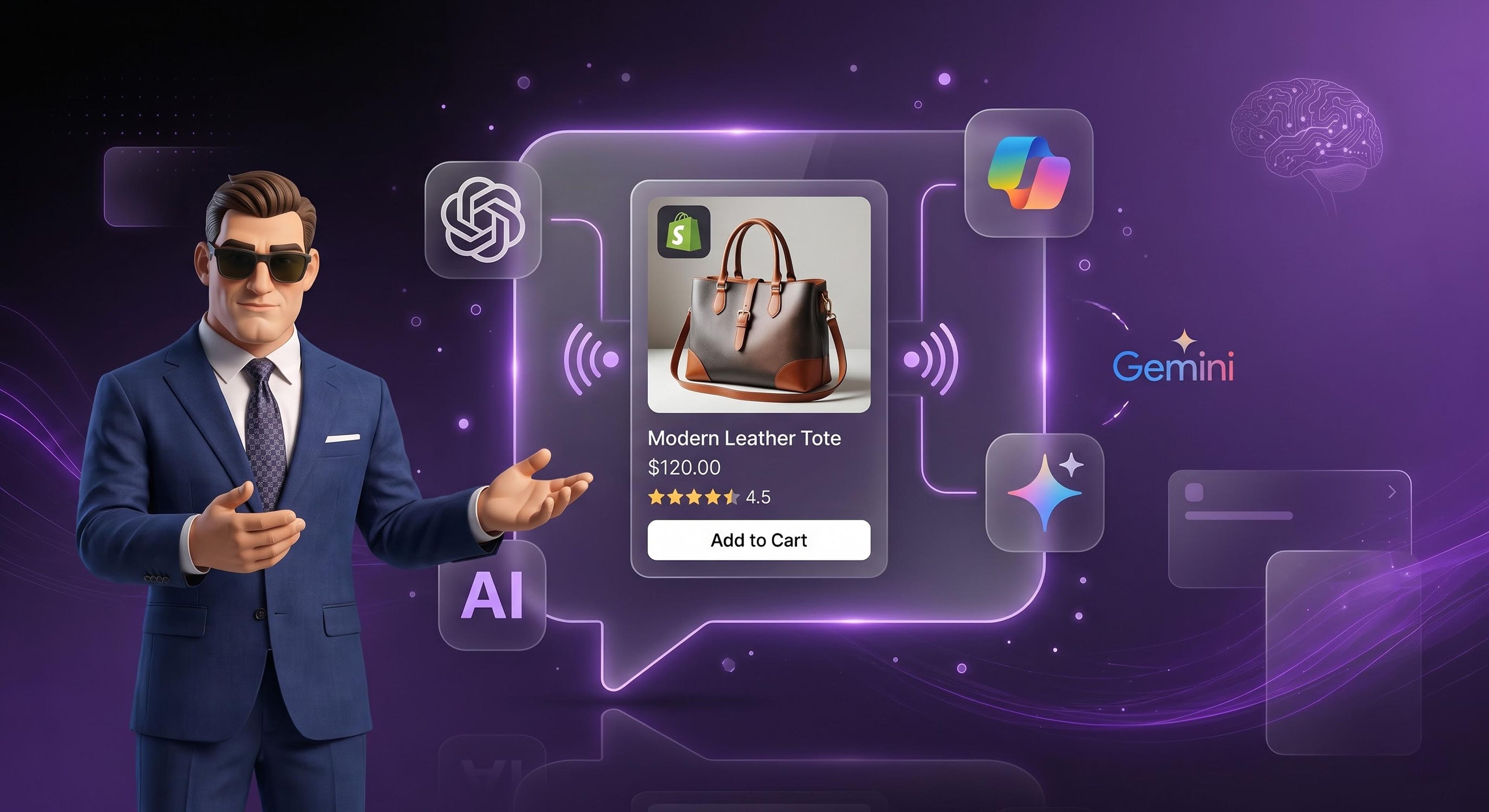
Your Shopify products can already appear inside ChatGPT and Microsoft Copilot, and for select US shops inside Google's AI Mode and the Gemini app. For eligible stores this is on by default. Shopify Catalog syndicates your product data to AI platforms automatically, Agentic Storefronts manages the channels from your admin, and the Universal Commerce Protocol (UCP), the open standard co-developed by Shopify and Google, handles the cart and checkout inside AI conversations, including Google's new Universal Cart. The numbers explain the urgency: Shopify reports AI-driven traffic to stores grew 8x year over year in Q1 2026, and orders from AI-powered searches grew nearly 13x. This guide covers what is automatic, what needs your action per platform, a 10-point readiness checklist, and the exact prompts to test whether your own products show up.
Shopping is moving into conversations. A buyer asks an AI assistant for a gift idea, compares options in the chat, and completes the purchase without ever opening your homepage. Shopify says new buyers are placing orders through AI channels at nearly twice the rate of other channels. The stores winning this traffic are not doing anything mysterious. They have clean product data, the right channels active, and nothing blocking the agents. This post shows you how to check all three.
Universal Cart is Google's cross-merchant AI shopping cart, announced at Google I/O 2026. It follows a shopper across Google Search, the Gemini app, and soon YouTube and Gmail. A shopper can add products from different stores into one cart, let it watch for price drops and restocks, and check out once. Launch partners included Nike, Sephora, Target, Walmart, Wayfair, and Shopify brands like Fenty and Steve Madden, and it is rolling out to US shoppers this summer.
The Universal Commerce Protocol (UCP) is the plumbing underneath. Co-developed by Shopify and Google and backed by Amazon, American Express, Etsy, Mastercard, Meta, Microsoft, Salesforce, Stripe, Target, Walmart, and Visa, UCP is an open standard that defines how AI agents create carts, check out, pay, and handle post-purchase with any merchant. The practical meaning for you: when a new AI platform adopts UCP, Shopify merchants are automatically ready to sell there. No new integration each time a new AI surface launches.
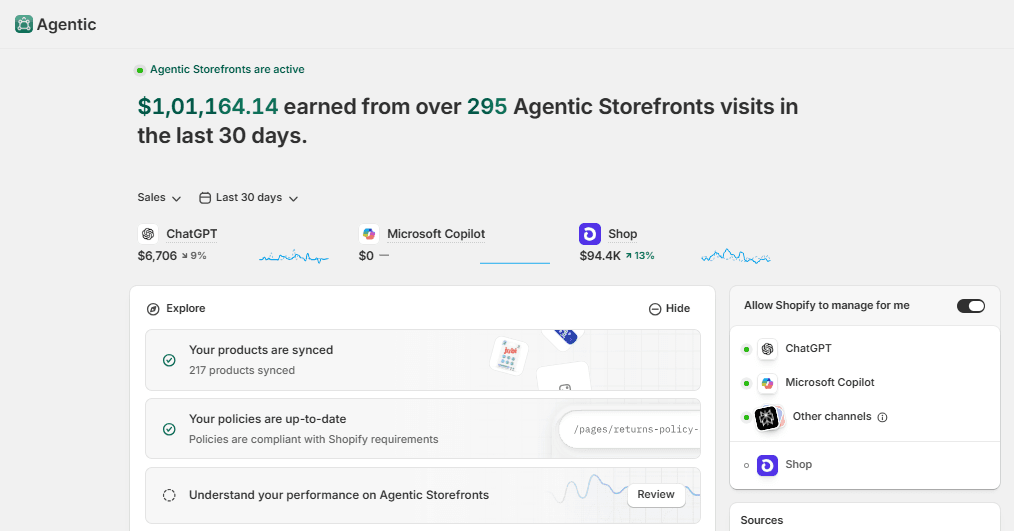
Three Shopify pieces do the work, and two of them require nothing from you:
Also Read: GEO for Shopify: Get Your Store Cited by ChatGPT, Perplexity, and AI Overviews
This is the part most guides skip. The surfaces are not equal: each has a different status for Shopify stores, a different checkout, and a different action from you.
| AI surface | Status for Shopify stores | Where checkout happens | Your action |
|---|---|---|---|
| ChatGPT (OpenAI) | Live for merchants selling to US buyers, any store location | Your own online store, via in-app browser | Confirm Catalog eligibility; decide whether to share order data with ChatGPT; test with the prompts below |
| Microsoft Copilot | Live for merchants selling to US buyers | Copilot Checkout inside the chat (UCP), for eligible merchants | Turn direct checkout on or off in Agentic Storefronts; test |
| AI Mode in Google Search + Gemini app (Universal Cart) | Select US-based shops, broader rollout underway | Native checkout inside Google surfaces (UCP) | Keep Catalog data clean so you qualify as rollout expands; watch the agentic section in admin for the channel to appear |
| Perplexity | NOT a Shopify Catalog partner today | Links out to your store | Open-web visibility only: product schema on your PDPs, llms.txt, and crawlable robots.txt do the work here |
One honest note on that last row: because Perplexity is not fed by Shopify Catalog, everything it knows about your products comes from crawling your site. That is why the checklist below includes the open-web items, not just the Shopify toggles.
Also Read: Optimize Your Shopify Store for Voice Search
Run this on your own store this week. Items 1 to 5 are inside Shopify, and items 6 to 10 are on the open web. Every item is a pass or fail check:
Also Read: LLMs.txt for Shopify Stores: What It Is, Why It Matters, and How to Use It
Do not take anyone's word for your AI visibility, including ours. Open each assistant and run these, replacing the brackets with your real category and brand:
Record the results in a spreadsheet with the date. Re-run monthly. AI rankings move faster than Google's, and the monthly diff tells you whether your data fixes are working.
Also Read: Shopify Collection Page SEO
An open standard co-developed by Shopify and Google that defines how AI agents create carts, check out, pay, and handle post-purchase with merchants. It is backed by Amazon, American Express, Etsy, Mastercard, Meta, Microsoft, Salesforce, Stripe, Target, Walmart, and Visa. When a new AI platform adopts UCP, Shopify merchants are ready to sell there automatically.
Google's cross-merchant AI shopping cart, announced at I/O 2026. Shoppers add products from many stores into one cart across Search, Gemini, and soon YouTube and Gmail, and check out once. It monitors price drops and restocks automatically. It is rolling out to US shoppers, with select brands first.
No. Agentic Storefronts is automatically activated for eligible merchants, and Shopify Catalog syndicates product data with no apps and no extra fees. You manage it under Settings, then Sales channels, then Agentic Storefronts.
Orders placed through AI surfaces flow into your Shopify admin with attribution showing which AI channel drove the sale. You stay the merchant of record and keep the customer relationship.
No, not today. Perplexity learns about your products by crawling the open web, so your product schema, robots.txt access, and llms.txt matter there, not your Shopify channel settings.
No fees beyond standard payment processing. There is no separate charge for Agentic Storefronts or Shopify Catalog.
Yes, if you sell to US buyers. ChatGPT and Copilot are live for merchants in any location selling to US buyers. Buying through these channels is currently limited to US shoppers, and Shopify has said broader rollout is underway.
Getting into AI shopping carts is not a project for most Shopify stores, because Shopify already did the integration. What separates the stores that get recommended from the stores that get skipped is data quality and open-web access: the 10 checklist items above. Run the checklist, run the 5 test prompts, fix what fails, and re-test monthly.
If you want a second pair of eyes, we will run the full 10-point agent-readiness audit on your store for free: every checklist item above, tested against your live products, with a written report of what to fix and in what order. It takes us a couple of days and costs you nothing. Request it through our GEO team.
About The Author: Rishi Thacker is the founder and CEO of Huptech Web, an eCommerce development and marketing firm that helps companies attract visitors, convert leads, and close customers.

Drop your details and we'll email the download link straight to your inbox.