




E-Commerce•13 Min
A Safe Shopify Go-Live Checklist: Backups, Theme Sync, and Zero-Downtime Deploys

Written byRishi Thacker
Posted onOct 08, 2026



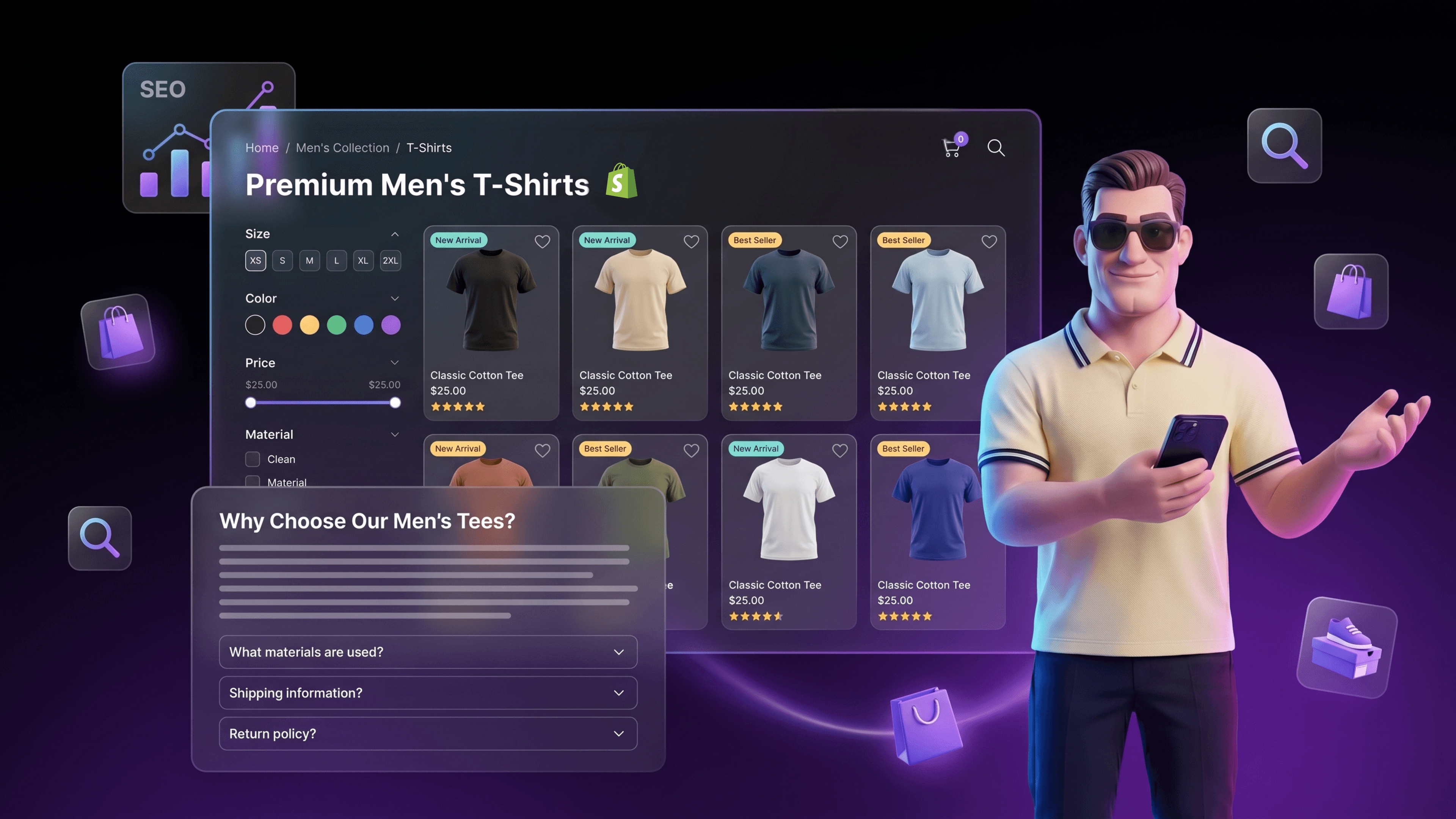
You run a Shopify store. You spent months on product pages. You wrote unique descriptions, optimized images, shipped schema. And then you searched the keyword that should be your bread and butter, the one a buyer types when they're ready to spend money, and a listicle on a fashion magazine outranks your collection page.
This happens to almost every Shopify merchant. It's not a Shopify problem. It's a collection page problem.
Collection pages are the highest-intent SEO surface on a Shopify store. A shopper searching "men's linen shirts" or "ceramic dinnerware sets" is one click away from a purchase. The query maps directly to a category, and your category page should be the destination. Most of the time, it isn't.
This is the template we use to fix that. Six content blocks, the schema stack that belongs on every page, and the operational pattern that scales from 50 collections to 50,000.
A Shopify collection page ranks for category queries when it combines a short editorial intro above the product grid (50 to 100 words), the product grid itself, 200 to 300 words of supporting content below the grid, an FAQ block answering buyer intent questions, and a schema stack of CollectionPage plus ItemList plus BreadcrumbList. Most stores ship the grid alone and lose to editorial competitors.
The default Shopify collection page is a product grid. Title at the top, filters on the side, products in a grid below. That's it. No supporting text. No FAQ. No context.
Google has been clear about why this fails. As John Mueller of Google's Search Relations team has put it, "When the ecommerce category pages don't have any other content at all other than links to the products, then it's really hard for us to rank those pages. Some amount of text is useful to have on a page so that we can understand what this page is about."
This is the gap. The buyer is searching "men's linen shirts." Your collection page is structurally optimized for filtering. The buying guide on a content site has 1,800 words explaining linen, fit, fabric weights, occasion. Google has more signal to work with on the content site. The content site wins.
The fix is not to turn your collection page into a blog. The fix is to add enough useful context that Google can confidently say "yes, this page is about men's linen shirts and the people who care about that query are well served here." Schema does part of that work. Content does the rest.
Every collection page that ranks at the category level follows roughly the same structure. Six blocks. Each one serves a different job for the buyer and a different job for the algorithm.
Below the fold, the order is: editorial intro, faceted navigation, product grid, long-form supporting content, FAQ block, internal linking footer. Add schema across all of it.
Walk through each block.
Place 50 to 100 words of unique, useful copy directly above the product grid. Not a marketing tagline. Not a brand mission statement. A short orientation that names the category, the buyer it's built for, the key choice the buyer is about to make, and the path through.
A good intro for a "men's linen shirts" page reads something like: "Lightweight, breathable, and built for warm weather. Our men's linen shirts come in three weights (light, mid, heavy) and four fits (slim, regular, relaxed, oversized). Pick by occasion below. New for spring: 6 percent linen-cotton blends in 12 colorways."
That's 50 to 60 words. It does five things: confirms the page topic for Google, gives the shopper a reason to keep scrolling, surfaces a useful filter dimension (weight + fit), names the new arrivals, and creates a hook for AI Overview citation.
Do not push the product grid below the fold. The intro is short on purpose. The grid still needs to be visible at the top of the viewport on desktop and within the first scroll on mobile.
Filters help shoppers. Faceted URLs hurt rankings when they are indexed at scale.
The pattern that works:
The mistake most stores make is letting Shopify's default filtered URLs (with ?filter.v.option.color=white parameters) get indexed. The result is hundreds of thin variants of the same collection page competing with each other and diluting authority. Pick the 10 to 30 filter combinations that have real search demand, give them proper collection pages, and noindex everything else.
This pattern is the inflection point between collection page SEO and programmatic SEO at scale. The first 30 combinations you build by hand. After that, the template stays the same and the dataset does the work.
The grid itself should do more than render products. It should help the buyer make a decision faster.
Three additions that matter:
The product grid is not where SEO content lives. But the grid's behavior affects every engagement metric Google looks at. Treat it as the conversion layer, not the content layer.
Under the grid, place 200 to 300 words of supporting content that answers the questions a buyer asks before they click a product.
For a men's linen shirts page, that means a short section on linen as a fabric (why it breathes, why it wrinkles, how to care for it), a guide to weight selection (light for tropical heat, mid for everyday, heavy for cooler weather), and an honest note on fit and sizing (most linen runs slightly larger because the fabric relaxes after wash).
This is where the page earns its right to rank against the listicles. The buying guide on a fashion magazine has 1,800 words. You don't need 1,800. You need 250 words that are clearly more useful than 1,500 of magazine fluff. Specificity beats length.
Two formatting rules:
Three to six question-and-answer pairs, written to capture AI Overview citation and featured snippet placement.
Questions to include on a category page:
Answers should be 40 to 60 words. Direct first, supporting detail second. Each answer should stand alone, because AI search engines extract individual answers and present them out of context.
The FAQ block is also where you mark up FAQPage schema (covered in the schema section below). This is the same pattern we use across our SEO and GEO targeting work and the one we recommend in our piece on voice search optimization with Speakable Schema. The buyer's question is the asset. The schema makes the asset extractable.
End the page with a footer that links to four to eight related collections.
The pattern that works:
This block does three jobs. It moves PageRank around the catalog (Google's term for link equity, the score that flows through links). It helps shoppers who came in on the wrong sub-collection get to the right one. And it gives AI search engines a clearer picture of how the category sits inside your taxonomy.
Internal linking is one of the highest-leverage optimizations on a Shopify site and one of the most ignored. Done well, it turns a flat catalog into a navigable knowledge graph.
The schema stack for a category page that wants to rank in 2026 is CollectionPage plus ItemList plus BreadcrumbList, with FAQPage added if Block 5 is present. JSON-LD format. Google has been consistent: JSON-LD is the recommended format for structured data.
Critical implementation details:
A worked JSON-LD example for the men's linen shirts page is included in the editorial notes below.
For stores under 500 collection pages, ship schema by hand or through a theme-level Liquid template. For stores above 500, use a metafield-driven template so the schema regenerates automatically when products move in and out of the collection.
Walk through the template on a real-shaped page.
H1: Men's Linen Shirts: Lightweight Summer Essentials
URL: /collections/mens-linen-shirts
Meta title: Men's Linen Shirts: Light, Mid, and Heavy Weights | [Brand]
Meta description: Shop men's linen shirts in light, mid, and heavy weights. Three fits, twelve colors, free shipping over $75. New for spring 2026.
Above the grid (Block 1, 62 words): Lightweight, breathable, and built for warm weather. Our men's linen shirts come in three weights (light, mid, heavy) and four fits (slim, regular, relaxed, oversized). Pick by occasion below: relaxed weekend, smart casual, beach wedding, or coastal travel. New for spring: 6 percent linen-cotton blends in 12 colorways. Free shipping over $75.
Faceted nav (Block 2): Color, size, fit, weight, sleeve length. Filter changes update the grid client-side. Three permanent sub-collections (white linen shirts, oversized linen shirts, slim-fit linen shirts) live at their own URLs.
Product grid (Block 3): Default sort = best-selling. New and Limited-Stock badges. Quick-add modal.
Below the grid (Block 4, 240 words): Three subsections under H3 headings. "Why linen?" (breathability, drape, why it wrinkles, how that's a feature). "Choosing weight" (light = under 4oz, tropical heat; mid = 4 to 6oz, everyday; heavy = over 6oz, cooler weather and layering). "Fit and sizing" (linen relaxes 5 to 10 percent after first wash; size down only if between sizes).
FAQ block (Block 5): Six Q&A pairs. How do I care for linen? Are linen shirts business casual? Light weight vs mid weight? Will it shrink? Best linen color for warm climates? How does sizing compare to cotton?
Internal linking footer (Block 6): Links to men's cotton shirts, men's oxford shirts, summer outfits guide, beach wedding outfits, the parent men's shirts collection.
Schema: CollectionPage + ItemList (current page only) + BreadcrumbList + FAQPage.
That's the template. Same shape on a "ceramic dinnerware sets" page or a "leather work boots" page. The decision dimensions change. The structure doesn't.
The patterns that show up in almost every audit:
The template stays the same. The production model has to change
Under 500 collection pages. Hand-built is fine. One marketer plus one developer can ship the full template across the catalog in 6 to 12 weeks. Update quarterly.
500 to 5,000 collection pages. Stop hand-building. Move the editorial copy and FAQ blocks into Shopify metafields connected to a single Online Store 2.0 JSON template. Marketers edit the metafields in admin. The template renders. Add a content audit cadence so the bottom 10 percent of collection pages get reviewed every quarter.
5,000 to 50,000 collection pages. This is programmatic SEO territory. The dataset is the product. Editorial copy, FAQ Q&A pairs, and schema get generated from a structured content store (Shopify metafields, metaobjects, or an external CMS) against a single template. This is the architecture we use for clients with deep catalogs at Shopify Plus development scale, and the full operational pattern is laid out in our piece on programmatic SEO at scale.
One Shopify-specific constraint to know about: Online Store 2.0 themes are capped at 50 JSON templates per page type. That isn't a real limit at 500 collections (you use one template with metafield-driven content) but it does shape how you architect the system once you cross 5,000 pages.
Most Shopify collection pages are pure product grids with no supporting text, no FAQ, and no schema beyond the basics. Google's John Mueller has said directly that category pages with only product links are hard to rank. Listicles and editorial content win because they give Google more useful signal. Fix the page with a 50 to 100 word intro, 200 to 300 words below the grid, an FAQ block, and the right schema.
Yes, but keep it short. 50 to 100 words above the grid is the working pattern. It gives Google context, gives the shopper orientation, and doesn't push products below the fold. The longer supporting content (200 to 300 words) belongs below the grid. Splitting content this way keeps conversion and ranking signals aligned instead of fighting each other.
CollectionPage plus ItemList plus BreadcrumbList is the core stack, added in JSON-LD. Add FAQPage if you include an FAQ block on the page. ItemList should reflect only the products visible on the current page, not the entire collection inventory, and it unlocks eligibility for Google's mobile product carousel in SERPs. Use mainEntity on the CollectionPage to point to the ItemList.
Move from hand-built pages to a metafield-driven template. Editorial copy, FAQ pairs, and schema generate from structured data stored in Shopify metafields or metaobjects, rendered through one Online Store 2.0 JSON template. Mind the 50 JSON template per page type cap. At this scale, collection SEO becomes programmatic SEO and the dataset is what you operate on, not individual pages.
Yes on every collection page that has real category-level search demand. Skip it on archive pages, time-bound sale pages, or collections with under 10 products. The FAQ block is the highest-leverage content addition for AI Overview and featured snippet capture, and it doubles as FAQPage schema. Three to six questions, 40 to 60 word answers each, written to stand alone when an AI search tool extracts them.
Three rules. First, every collection page gets its own unique editorial intro and below-grid content (no boilerplate template copy across 80 pages). Second, noindex filtered URLs and low-product-count collections (under 10 products is a reasonable floor). Third, audit the bottom 10 percent of collection pages by traffic and revenue every quarter; consolidate, redirect, or rewrite anything that isn't pulling weight.
Collection pages are the most under-optimized surface on a typical Shopify store. They are also the highest-intent surface. Fixing them is one of the cleanest ROI moves available to a growing brand.
The template is not complicated. Six blocks. The schema stack. A production model that fits your catalog size.
What's hard is operationalizing it. Writing one collection page in this format takes 90 minutes. Writing 500 of them takes a system. Most merchants stall between the proof of concept and the rollout.
That's the part worth investing in. Treat the template as the deliverable for the first 20 to 50 collections. Treat the production system as the deliverable for everything after that. The compound effect over 12 months is the kind of organic growth most brands chase through paid acquisition.
The listicles will keep showing up in the SERP. But once your collection pages stop looking like a default product grid and start looking like the destination they were always meant to be, the math tilts back to your side.
At Huptech Web, we help Shopify brands move from default collection pages to a templated, schema-driven, ranking-ready system across the full catalog.
That includes the editorial blocks, the schema stack, the metafield architecture, and the operational rhythm to keep the system fresh. If your category pages are losing to listicles and you want a real fix, we can help. Start with a conversation.

Drop your details and we'll email the download link straight to your inbox.