




E-Commerce•12 Min
How to Increase Revenue for a Beauty Brand: 9 Optimizations That Turn Browsers Into Buyers

Written byRishi Thacker
Posted onOct 30, 2026



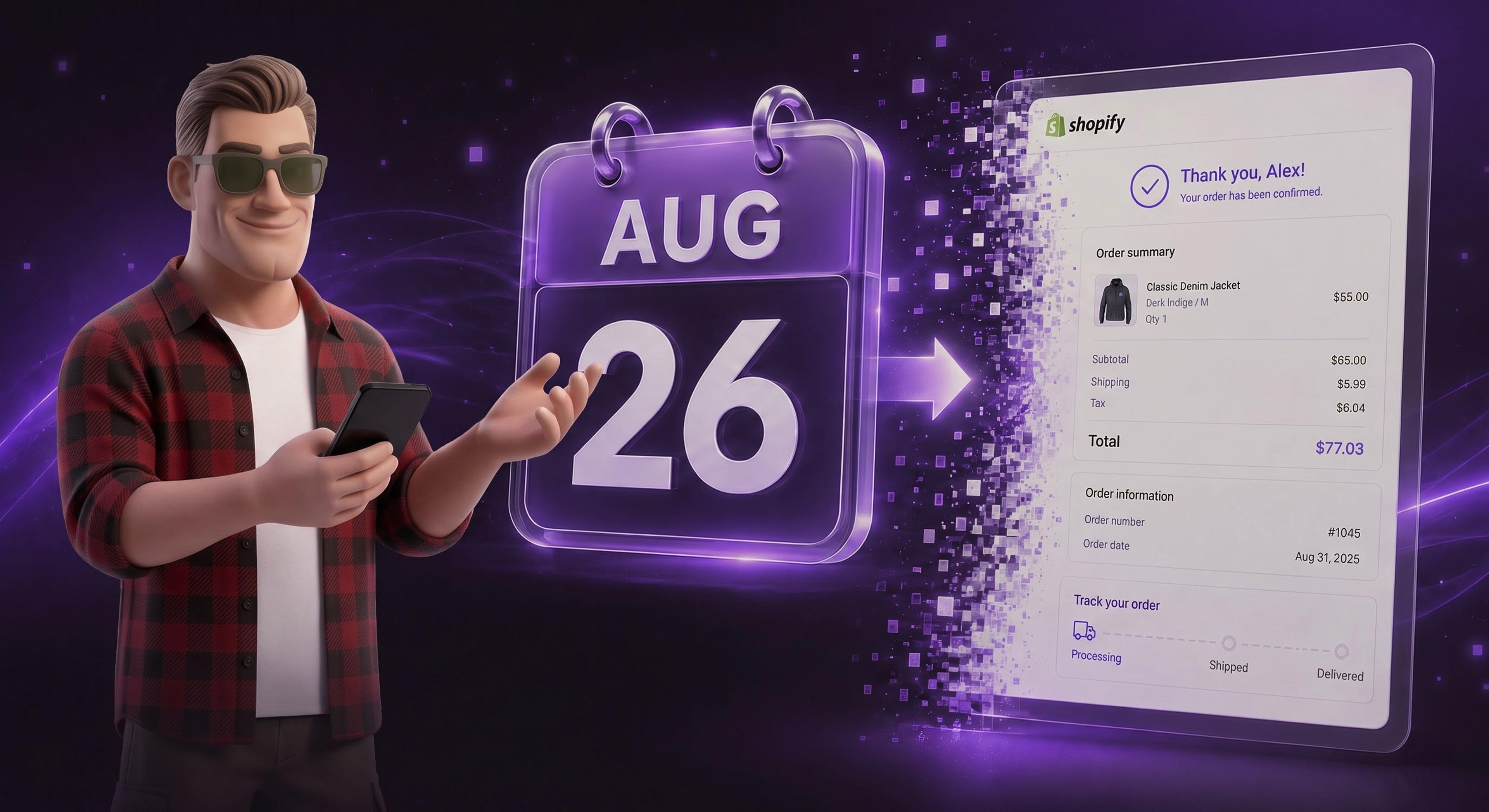
On August 26, 2026, Shopify will auto-upgrade the Thank You and Order Status pages of every store that is not on Shopify Plus. When that happens, the new pages replace your existing ones, and every customization on the old pages stops working: additional scripts, tracking snippets, affiliate postbacks, custom messaging, and any app that has not been rebuilt for the new checkout. Your checkout itself keeps working. Your data and customizations do not. The Shopify thank you page upgrade takes most stores less than a day: check your personalized upgrade guide under Settings, then Checkout, recreate tracking with web pixels and page content with blocks, and click Upgrade yourself before Shopify does it for you.
This is the final step of a retirement Shopify has been running for years. The main checkout pages moved off checkout.liquid in 2024. Shopify Plus stores had to upgrade their Thank You and Order Status pages by August 28, 2025. Now it is everyone else's turn: Basic, Grow, and Advanced stores all face the same August 26 date, and this time Shopify will not wait for you to click the button.
Shopify's upgrade guide is explicit: if you do not upgrade your pages yourself before August 26, 2026, your Thank You and Order Status pages will be auto-upgraded to the new versions. When the new pages go live, your existing pages and any customizations on them are replaced.
The groundwork was laid a year ago. Since August 28, 2025, the additional scripts box in your Checkout settings has been view-only. You can read your old scripts, but you cannot edit them, because Shopify deprecated additional scripts on these pages entirely. The new pages run on Checkout Extensibility, where customization happens through blocks in the checkout editor and tracking happens through web pixels, both of which survive future upgrades.
Three groups do not need to act on this: Shopify Plus stores (their deadline already passed in August 2025), stores on Pause and Build (Shopify upgrades them automatically), and stores with zero customizations on these pages (the upgrade changes nothing they will notice).
The dangerous part of this deadline is that nothing visibly breaks. Checkout keeps accepting orders on August 27. What stops working is everything you bolted onto the confirmation experience over the years:
The common thread: these failures are silent. No error, no admin warning after the fact. The first sign is usually an ad account that looks like conversions collapsed overnight, or an affiliate network chasing missing sales. If that happens in late November instead of August, it happens during BFCM.
In your Shopify admin, go to Settings, then Checkout, and look at the Configurations section. If you see the notice “Upgrade Thank you and Order status pages by August 26, 2026”, you are still on the deprecated pages. Click Review customizations and Shopify opens a personalized upgrade guide that lists every customization it found on your pages: compatible apps, incompatible apps, and each additional script, categorized by what it does.
If your upgrade guide is empty, you are one click away from done: go to the last step of this article and press Upgrade. If it lists customizations, budget a few hours and work through the next section.
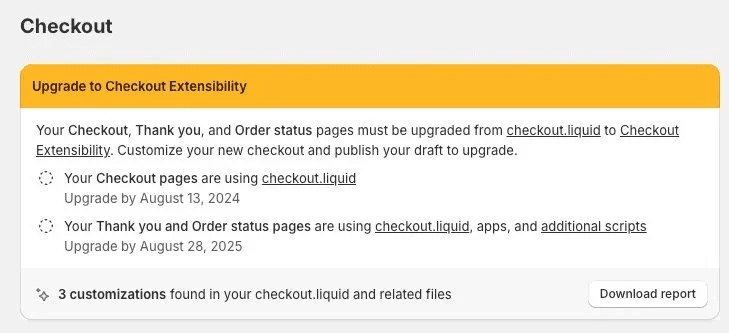
This follows Shopify's own five-step process, with the practical notes we add when doing it for client stores:
| Old customization (deprecated pages) | Replacement (new pages) |
|---|---|
| Analytics or ads snippet in additional scripts | Web pixel: the vendor's app pixel, or a custom pixel with your code |
| Affiliate network postback script | The network's updated app, or a custom app pixel firing on the checkout_completed event |
| Custom content added by script (instructions, offers, links) | Blocks in the checkout and accounts editor |
| App using script tags on these pages | The app's Checkout Extensibility version, or a replacement app |
| Nothing (no customizations found) | Just click Upgrade, done |
Yes, with strict conditions, and only until the deadline. You can revert to the old pages if your store was created before January 6, 2025, has pre-existing customizations using additional scripts or script-tag apps, and you upgraded manually less than 30 days ago. Your block customizations are saved as a draft you can publish again later. After August 26, there is no revert: the auto-upgrade is one way. One more trap from the official guide: pausing your store triggers the upgrade automatically, and that one cannot be reverted even after unpausing.
The deadline lands exactly where the BFCM preparation window begins. If your conversion tracking breaks silently on August 26 and nobody notices until ad performance craters, you will be debugging pixels in the middle of Q4 scaling. Done this week instead, the migration costs a few calm hours and one test order. Our BFCM 2026 readiness checklist already assumes clean tracking from September onward, and this migration is now the first item on it.
August 26, 2026. On that date Shopify auto-upgrades the Thank You and Order Status pages of every non-Plus store that has not already upgraded manually.
No. Customers can still buy. What stops working is every customization on the old Thank You and Order Status pages: tracking scripts, affiliate postbacks, custom content, and script-tag apps. The failures are silent, which is exactly why they are dangerous.
No. Plus stores went through the same upgrade with an August 28, 2025 deadline. August 26, 2026 applies to Basic, Grow, and Advanced plans.
Recreate the tracking as a web pixel. Google's own app provides an app pixel you connect from the upgrade guide. For hand-pasted snippets, create a custom pixel and move the code there, then verify with a test order before and after publishing the new pages.
No. The additional scripts section has been view-only since August 28, 2025. You can read old scripts to see what needs recreating, but all new work happens in web pixels and checkout blocks.
Only before August 26, 2026, and only if your store predates January 6, 2025, had pre-existing script customizations, and you upgraded manually within the last 30 days. After the deadline the upgrade is permanent.
Every deprecated-surface deadline this year has punished the stores that waited: Scripts users found broken discount stacks after the June 30 shutdown, and additional-scripts users will find silent tracking gaps on August 27. The fix is a personalized checklist Shopify has already generated for you, a few hours of recreating customizations properly, and one test order. Do it this week, with BFCM planning still ahead of you instead of on top of you.
If your store has years of accumulated checkout customizations, incompatible apps, or affiliate integrations you cannot afford to drop, our team handles these migrations for clients regularly. A short call is enough to scope whether yours is a two-hour job or a two-day one.


Drop your details and we'll email the download link straight to your inbox.