




E-Commerce•13 Min
A Safe Shopify Go-Live Checklist: Backups, Theme Sync, and Zero-Downtime Deploys

Written byRishi Thacker
Posted onOct 08, 2026



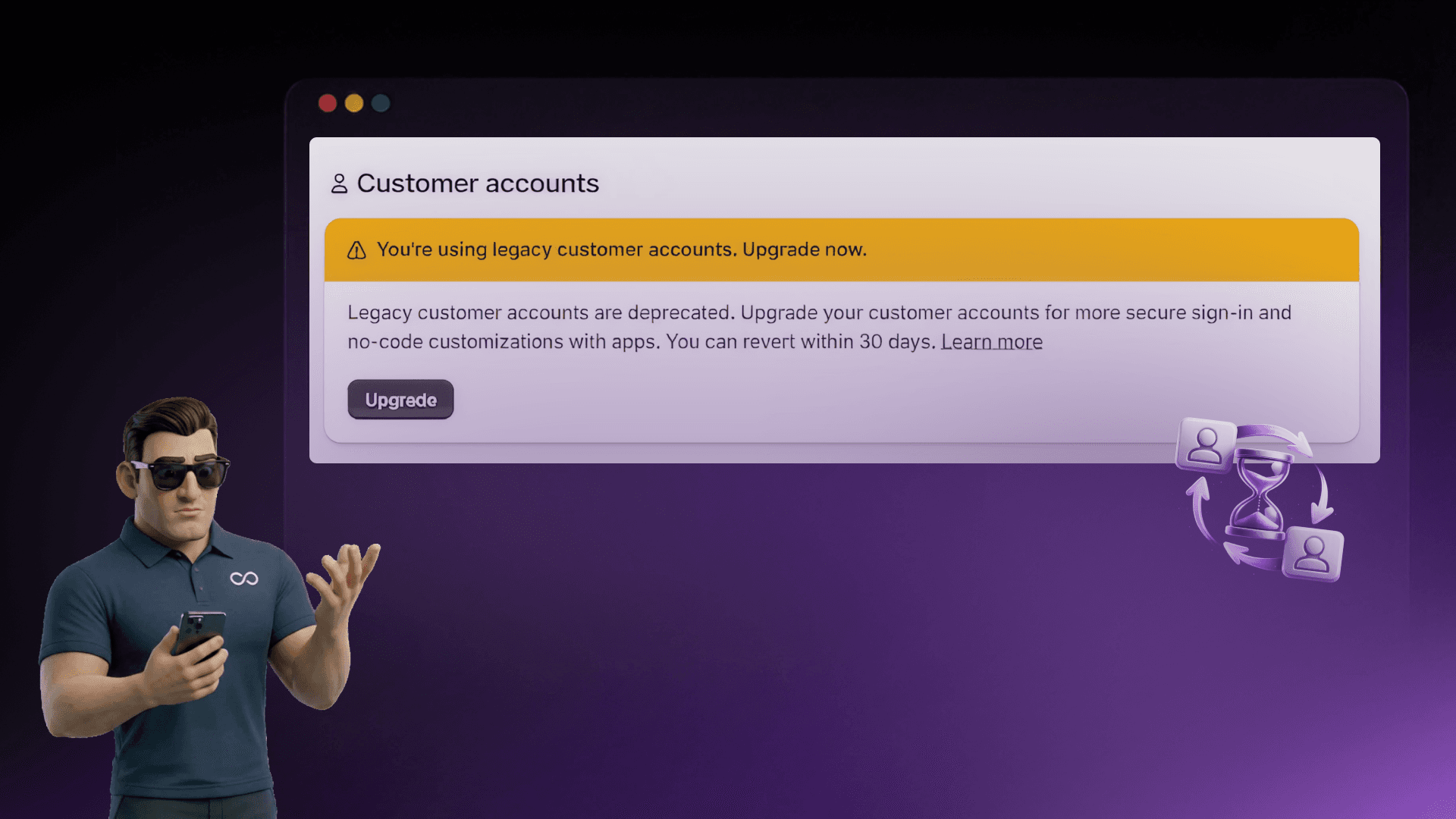
Legacy Customer Accounts Are Dead (And the Clock Is Ticking)
Shopify has officially deprecated legacy customer accounts. As of February 2026, the old email-and-password login system is done. No more feature updates. No more technical support. New stores can't even enable it anymore.
The exact date when legacy accounts stop working entirely hasn't been announced, but it's coming later in 2026. When that sunset date hits, every store still running legacy accounts will have their login flows and account pages switched off.
Your custom login page? Gone. Your Liquid account templates? Gone. The password-based system your customers have been using for years? Replaced, ready or not.
Here's why waiting is risky: Shopify gives you a 30-day revert window right now. Migrate today, and if something breaks, you can roll back. Wait until the forced cutover? No safety net. No rollback. No support.
If you've run a Shopify store for any length of time, you know the drill. Customers register with an email and password, sign in the traditional way, and manage their account through pages you could customize in your theme code.
For years, this worked. But the cracks were always there:
Shopify spent over two years building the replacement. Now they're making the switch mandatory.Read More: Customer accounts and legacy customer accounts
The new system is a ground-up rebuild. The headline feature: passwordless login. Customers enter their email, get a one-time 6-digit code, and they're in. No password to remember. No password to reset.
But that's just the start:
For Shopify Plus merchants: you can connect your own identity provider (think services like Auth0 or Okta, these are tools that manage how customers sign in across multiple platforms) to replace the default sign-in for full single sign-on.
| Feature | Legacy | New |
|---|---|---|
| Sign-in | Email + password | Passwordless (email + code) |
| Registration | Form + password required | Not required (auto-recognition) |
| Customization | Liquid templates in theme | No-code editor + app extensions |
| Self-serve returns | Not supported | Built-in |
| Store credit | Not supported | Native |
| B2B support | Consumer-only | B2B + consumer unified |
| Single sign-on | Multipass (being retired) | Modern identity providers |
| App ecosystem | Limited | 800+ extensions |
| Shopify support | Deprecated, no updates | Active development |
The detail most merchants miss: Shopify gives you a 30-day revert window when you switch. Migrate now, test everything, and if something's wrong, flip back. Once the hard deadline hits, that option vanishes.
Existing stores aren't being cut off overnight. You have breathing room, but it's shrinking. Use this window for a controlled, tested migration rather than a panicked last-minute switch.
Not every store faces the same level of effort. Here's how different store types are affected, with practical examples:
Close to a same-day fix. Toggle the setting, send customers an email, done.
All Liquid-based account templates stop working. You need app-based replacements through Customer Account UI Extensions.
Multipass is Shopify's tool that lets customers sign into your store using credentials from another system. It's not supported on new accounts. The replacement is a modern identity provider like Auth0 or Okta.
The new system doesn't support custom registration fields natively. If you collected extra info during signup (company name, tax ID), you need a third-party app like Customer Accounts Pro.
You'll need to migrate from deprecated Storefront API customer mutations to the new Customer Account API. Plan for API-level development work.
Based on dozens of migrations across the Shopify ecosystem, here are the mistakes that trip up merchants most:
Go to Online Store → Themes → Edit Code. Review everything in the customers/ directory. Note every customization. Check: Multipass? Flow automations tied to account events? Third-party apps on account pages?
Search the Shopify App Store for "customer account extensions." 800+ available. Install and configure before switching.
Settings → Customer accounts → Select new option. The 30-day revert window starts. All customer data carries over automatically.
Send an email: "We've upgraded your account for better security. You'll now sign in with a code sent to your email." Update your help center too.
Read Also: 20 Best Shopify Apps to Increase Sales
Your data is safe. All customer accounts, order history, saved addresses carry over automatically. Customers don't re-register. The only change they experience is the login method, code instead of password.
What doesn't transfer: Liquid customizations on account pages, Flow automations tied to legacy triggers (re-test these), Multipass configurations, and custom CSS/JS targeting legacy account page classes.
Shopify deprecated legacy customer accounts for a reason. The old system was holding merchants back, password resets clogging support queues, fragile templates breaking on updates, no access to modern features.
The new system is better. Passwordless login, native B2B support, 800+ app extensions, self-serve returns, store credit, these are what customers expect in 2026.
Migrate now and get the 30-day safety net, time to test, and the luxury of communicating changes on your own terms. Wait, and you get a forced cutover with no support.
Need help with your migration? At Huptech Web, we're helping Shopify merchants migrate from legacy to new customer accounts, from audit to deployment. Book a free customer accounts audit at huptechweb.com/contact.
Shopify stopped developing and supporting legacy accounts. Your setup still works, but you're on unsupported infrastructure. The final sunset is coming later in 2026.
Not announced yet. Confirmed for later in 2026. Don't wait, migrate now while you have the 30-day revert window.
No. All data transfers automatically. Customers don't re-register.
No, because the new system doesn't use passwords. Customers sign in with a one-time 6-digit code sent to their email. They can also use Shop App credentials, passkeys, or social login.
They stop working. Replace with Customer Account UI Extensions or the no-code editor.
Multipass lets you sign customers using credentials from another system. It's not supported on new accounts. Replace with Auth0, Okta, or a similar identity provider.
Yes, within 30 days. After that, it's permanent.
Simple stores: no, it's a toggle. Heavy customizations, Multipass, or custom forms: yes.
If the website is simple, migration can typically be completed in under an hour. However, if there are customizations or complex features, the migration process may take longer, ranging from 1–2 weeks for moderate cases, to 3–6 weeks including testing for more complex setups.
The system is free. The cost is development time for rebuilding custom functionality. Cheaper than a broken login when the deadline hits.

Drop your details and we'll email the download link straight to your inbox.