Running an online store means juggling constant demands. From managing inventory and analyzing sales data, to designing your website and launching campaigns. For many merchants, the dream of growing a business often gets buried under busywork.
But what if you had a partner who understood your business inside and out? Imagine having an assistant available 24/7 to crunch numbers, write copy, and handle repetitive tasks instantly. Here comes Shopify Sidekick, an AI-powered commerce assistant designed to change the way you work. This is more than a chatbot or a basic automation tool. Sidekick better understands your store contexts (products, orders, customers, analytics) to help you do things faster and accurate.. Whether you’re a solo entrepreneur or scaling fast, Sidekick helps you accomplish more with less effort.
What is Shopify Sidekick?
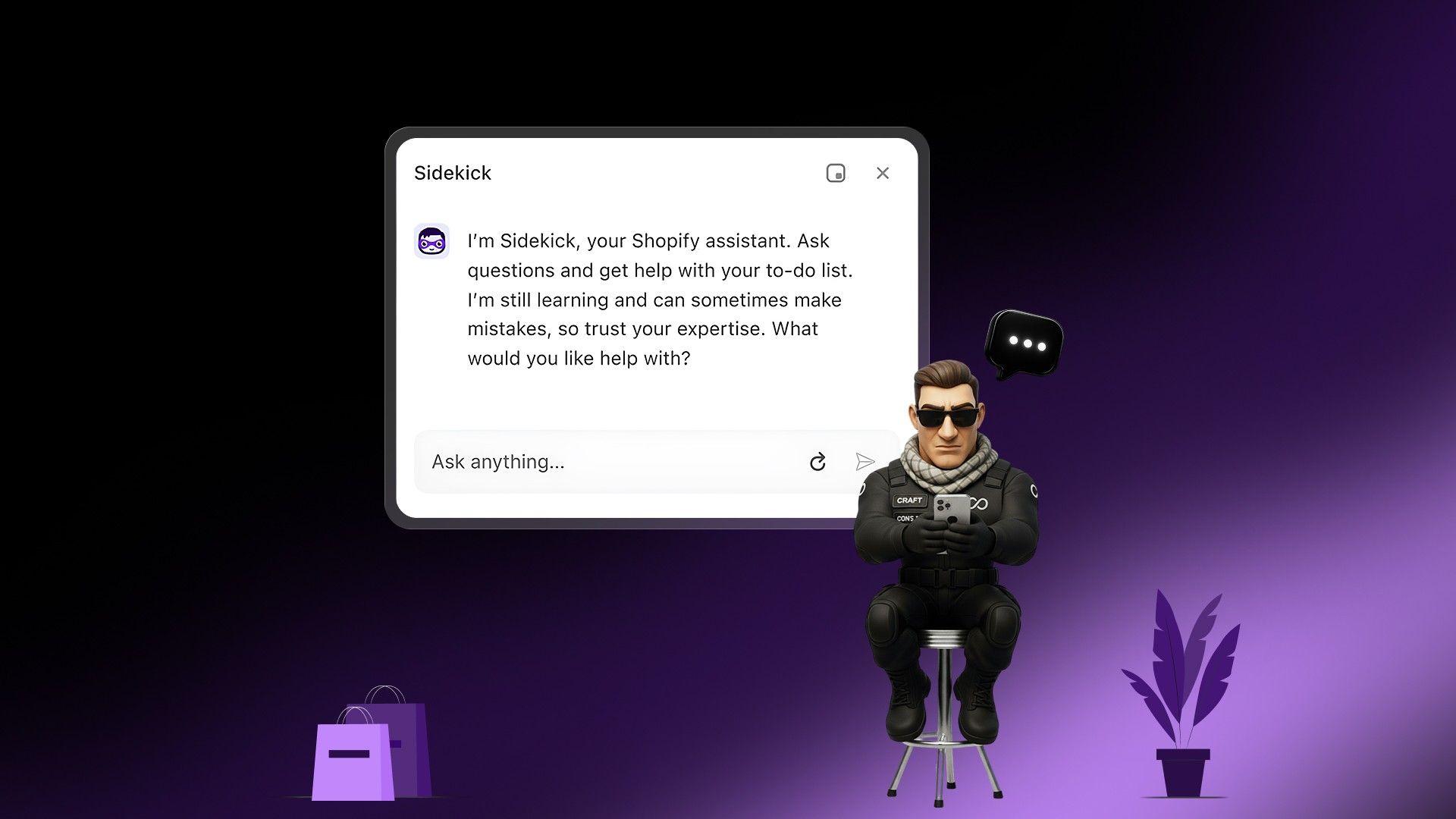
Shopify Sidekick is an AI-powered assistant built directly into your Shopify admin. It is not a separate application you need to connect. It already understands your products, customers, and sales data. You communicate with it using natural language, asking it to perform tasks, answer questions, or generate content. Think of it as a junior team member who is an expert in Shopify, ready to help 24/7.
Why Should Merchants Care?
The main benefit of Sidekick is speed. As one of the most integrated eCommerce automation tools available, it reduces the time and steps needed to get things done, leading to clear business outcomes.
- Launch Campaigns Faster: Go from idea to live sale in minutes, not hours.
- Get Instant Data Insights: Ask complex questions about your business and get immediate, easy-to-understand answers.
- Reduce Dependency: Handle repetitive basic tasks that previously might have required a marketer, developer, or data analyst.
- Improve Operational Efficiency: Automate repetitive tasks like updating products or managing discounts.
How to Access & Use Sidekick?
Getting started with Sidekick is simple. Open your Shopify admin and look for the Sidekick chat bubble or sparkle icon.
- Access the Assistant: Click the icon to start chatting.
- Use Natural Language: Type your requests as you’d say them, e.g., “Create a collection for items under $50.”
- Review and Approve: Sidekick always presents a draft or suggestion. You review and confirm before any change goes live. Your store remains secure and fully under your control.
What are the Pros & Cons of Using SideKick?
Pros and Cons Table
| Pros |
Cons |
|
Understands your store’s context, making suggestions far more relevant than generic AI tools.
|
Every action needs confirmation, making it safe but not fully autonomous.
|
|
Turns multi-step workflows into a single command, saving time and effort.
|
Advanced design features work best with Online Store 2.0 themes like Dawn.
|
|
Enables you to handle data, content, and technical tasks without deep expertise.
|
Complex or unclear requests may need refinement to get accurate results.
|
| — |
What are Some Use Cases of Sidekick that Empowers Merchants?
Here’s how Sidekick transforms daily workflows. This is where the tool moves from a novelty to an indispensable part of your operations.
Growth & Revenue Use Cases
Instead of manually building campaigns, use Sidekick to accelerate your revenue-generating activities.
- Launch a Flash Sale: Ask Sidekick: “Create a 25% discount on all items in the ‘Summer Favorites’ collection. Call the code FLASH25 and make it active for 48 hours.” Follow up with: “Draft an email announcing a 48-hour flash sale for our Summer Favorites.”
- Create Tiered Offers: Tell Sidekick, “Generate a discount code: 10% off orders over $75, 15% off orders over $125, and 20% off orders over $200.” Sidekick will provide help with creating discounts, drafting email content and suggesting bundles.
- Bundle Products: Ask, “Suggest a product bundle using our best-selling t-shirt.” Then, “Create a new product called ‘Summer Style Kit’ that includes the t-shirt and shorts, and give it a 10% discount compared to buying them separately.”
Read More: How to Increase Ecommerce Repeat Purchase?
Conversion Rate (CRO) Use Cases
Small tweaks can have a big impact on your conversion rate. Sidekick helps you make these changes quickly.
- Update Your Homepage Banner: Just before a holiday, say: “Change the main banner image to our new St. Patrick's Day graphic and update the headline to ‘Get Your Green On!’”
- Add Trust Badges: Request, “Add a section with trust badges for ‘Free Shipping’, ‘Secure Checkout’, and ‘Easy Returns’ below the ‘Add to Cart’ button on my product pages.”
- Optimize Product Descriptions: Identify a product with a low conversion rate and ask Sidekick: “Rewrite the product description for the ‘Pro-Gamer Headset’ to focus on its benefits for competitive gamers. Make it more persuasive.”
Read More: How Does Website Navigation Affect Conversion Rates in E-Commerce?
Email / CRM Use Cases
Engage your customers with targeted messaging without spending hours building segments and campaigns.
- Win Back Lapsed Customers: Tell Sidekick, “Create a customer segment of people who haven't purchased in the last 90 days but have spent over $200 lifetime.” Then ask, “Draft a ‘We Miss You’ email for this segment with a special 15% off coupon.”
- Target VIPs: Ask, “Show me customers who have made 5 or more purchases.” Follow up with, “Draft an email giving this VIP segment early access to our new collection.”
- Improve Cart Recovery: Say, “Generate a 3-part abandoned cart email series. The first email should be a simple reminder. The second should create urgency. The third should offer a 10% discount.”
Analytics & Decision Use Cases
Get straight to the insights you need without navigating complex dashboards.
- Understand Sales Dips: Ask, “Why did my sales drop last week compared to the week before?” Sidekick can analyze recent changes or trends to offer potential reasons.
- Identify Top Products: Get quick answers with, “What were my top 5 selling products last month by revenue?” or “Which products are most frequently bought together?”
- Analyze Channel Performance: Ask, “Which marketing channel had the highest conversion rate last quarter?” This helps you decide where to focus your budget.
Operations Use Cases
Streamline the day-to-day management of your store.
- Manage Inventory: Ask, “Show me all products with fewer than 10 units in stock.”
- Update Store Policies: Simply tell Sidekick, “Update our return policy to extend the return window from 30 days to 45 days.”
- Fulfill Orders: Request, “Show me all unfulfilled orders from yesterday that are shipping to California.”
30 Useful Prompts To Use (Just Copy & Paste)
Use these prompts as a starting point. The more specific your request, the better the result.
A) Offers & Discounts
- "Create a 20% discount for all products in the ‘Collection Name'."
- "Generate a 'buy one, get one free' discount for all hats."
- "Set up free shipping for all orders over $100."
- "Make a discount 'SAVE10' for 10% off 'New Arrivals', valid for one week."
- "Generate a tiered discount: 10% off $50, 15% off $100."
B) Bundles & Cross-sells
- "What are the top 3 products most frequently purchased with the 'Leather Wallet'?"
- "Create a new product bundle named 'Morning Routine Kit'."
- "Give the 'Morning Routine Kit' a price that is 15% less than buying items separately."
- "Write a product description for a new bundle with our top-selling shampoo and conditioner."
C) Email & SMS
- "Draft a welcome email for new subscribers with a 10% discount code."
- "Write an email announcing a flash sale on all sweaters for the next 24 hours."
- "Draft a 'We miss you' email for customers who haven't purchased in 6 months."
- "Write a 'back in stock' notification email for the 'Suede Ankle Boots'."
- "Create an email to our 'repeat buyers' segment about our new loyalty program."
D) Homepage / PDP / Theme Edits
- "Change the color of all primary buttons to #0047AB."
- "Add a new section to the homepage featuring the 'New Arrivals' collection."
- "Update the hero banner with the headline 'Spring Refresh: 20% Off Everything'."
- "Rewrite the product description for the 'Eco-Friendly Yoga Mat' to be more SEO-friendly."
- "Hide the announcement bar on the storefront."
E) Analytics Questions
- "What were my top-selling products last month?"
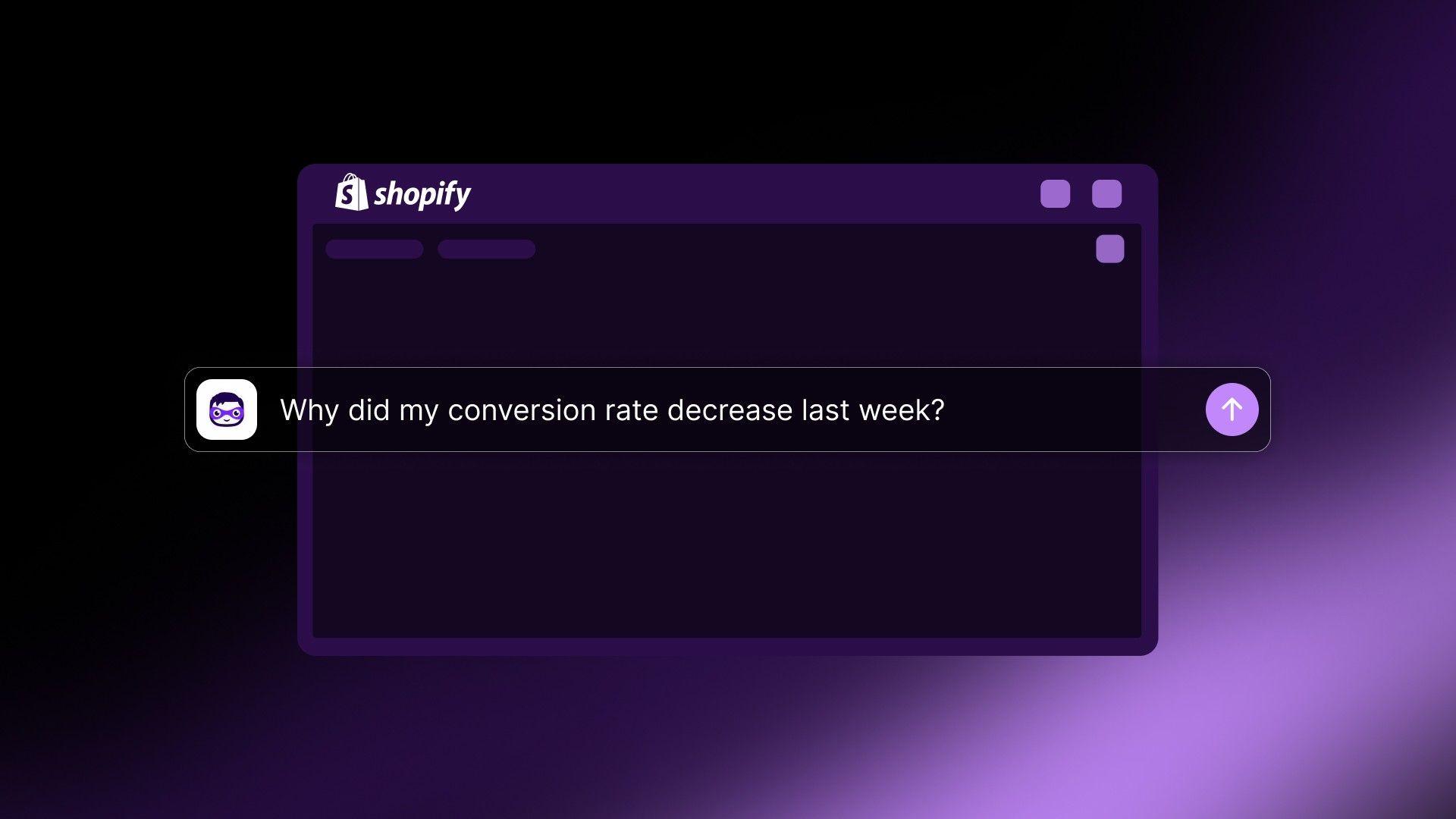
- "Why did my conversion rate decrease last week?"
- "Which marketing channel is driving the most traffic?"
- "Which product has the highest return rate?"
- "Compare sales of the 'Men's' vs 'Women's' collections."
F) Customer Retention Segments
- "Create a customer segment for everyone who has purchased more than 3 times."
- "Show me customers who haven't purchased in 180 days."
- "Create a segment for customers who only buy products on sale."
- "Segment customers with an average order value over $250."
- "Show me customers who purchased from the 'Skincare' category in the last 60 days."
- "Create a segment of first-time customers from the last 30 days."
How Does Sidekick Compare to Other AI Tools?
You might wonder, “Why Sidekick if I already have ChatGPT?”
Here’s the difference: generic AI tools work outside your store. They don’t know your products, inventory, or sales data unless you manually provide it. Sidekick is fully connected to your Shopify context, delivering insights, drafting content, and making suggestions tailored to your account. It’s an insider, not an outsider.
What are the Considerations of SideKick?
While Sidekick is a remarkably helpful assistant, a few considerations remain:
- Approval Required: Sidekick only implements changes you review and approve; it won’t edit your store behind your back.
- Language and Device: Sidekick is currently optimized for English and is best accessed from desktop, though mobile features continue to improve.
- No Direct Customer Communication: Sidekick supports your business management, not customer-facing conversations.
Final Thoughts
Shopify Sidekick is a game-changer for eCommerce management. It empowers business owners to take command of their store’s operations, content, and data without the cost or complexity of hiring a team. By lifting the burden of repetitive, data-heavy, and creative tasks, Sidekick frees you to focus on what matters most: your vision, your strategy, and your growth.
Ready for a new era of smarter, faster commerce management? If Sidekick appears in your dashboard, activate it and experience the difference for yourself. Work smart with your new digital partner, and watch your business thrive.
Frequently Asked Questions (FAQs)
Q 1. Is Shopify Sidekick available for all Shopify plans?
Shopify Sidekick is being rolled out to merchants across various plans. To see if it's available for your store, check for the Sidekick icon (often a sparkle or assistant icon) in your Shopify admin dashboard. Availability may depend on your plan and region.
Q 2. Does Shopify Sidekick automatically make changes to my store?
No, Sidekick will never make changes to your store without your permission. It operates as an assistant, preparing drafts and suggesting actions for you. You always have the final say and must review and approve any changes before they are applied.
Q 3. Is my store's data secure with Shopify Sidekick?
Yes, your data is secure. Sidekick operates entirely within Shopify’s secure platform and adheres to the same strict privacy and security policies that protect the rest of your store information.
Q 4. How is Shopify Sidekick different from ChatGPT or other AI tools?
While tools like ChatGPT are excellent for general content creation, Shopify Sidekick is an expert in commerce and is deeply integrated with your store's data. It understands your products, sales history, and customer segments, allowing it to provide highly relevant and actionable insights that generic AI cannot.
Q 5. What kind of tasks can Sidekick help with?
Sidekick is designed to handle a wide range of tasks. You can use it to create discount codes, generate product descriptions, draft email campaigns, segment customer lists, analyze sales trends, and even get help with theme edits. Think of it as your all-in-one assistant for store operations.
Q 6. Can Sidekick help with marketing on platforms outside of Shopify?
Sidekick can create content for external marketing channels, such as social media captions, blog posts, or ad copy. However, it cannot directly manage or post to platforms outside of the Shopify ecosystem. You would simply copy the generated content and use it where needed.
Q 7. Do I need coding skills to use Sidekick for theme edits?
No coding skills are required. You can use plain language to ask Sidekick to make design changes, such as adjusting colors, fonts, or spacing. It works best with Shopify's Online Store 2.0 themes, particularly Dawn.
Q 8. Is Shopify Sidekick free to use?
Yes, for eligible merchants, Shopify Sidekick is included as part of your existing Shopify subscription at no additional cost. It is one of the many features powered by Shopify Magic, the platform's suite of AI tools.